For iPad

Exact geometry, by touch.

Geometry Pad turns your iPad into an infinite canvas for exact plane geometry. Build points, lines, triangles, polygons, circles and conics with a few taps, and they stay exact: a square stays a square, a parallel stays parallel, and an intersection point stays on its crossing however you move things around.

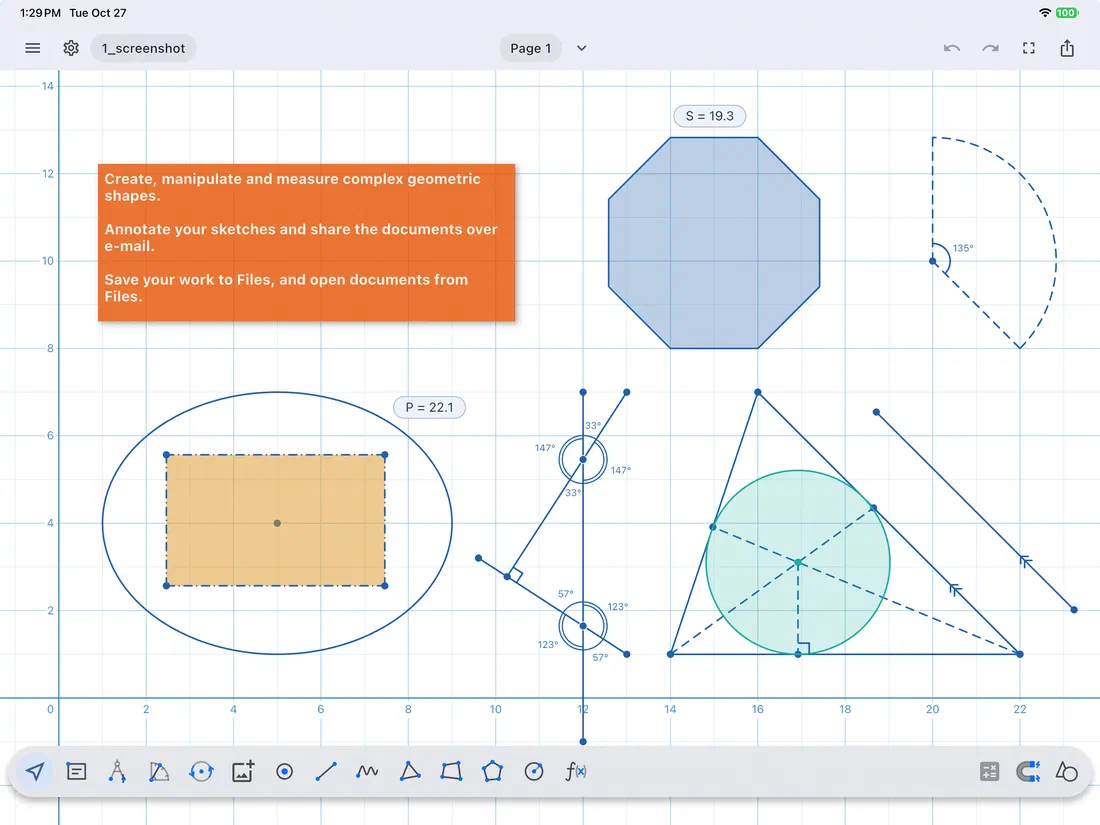
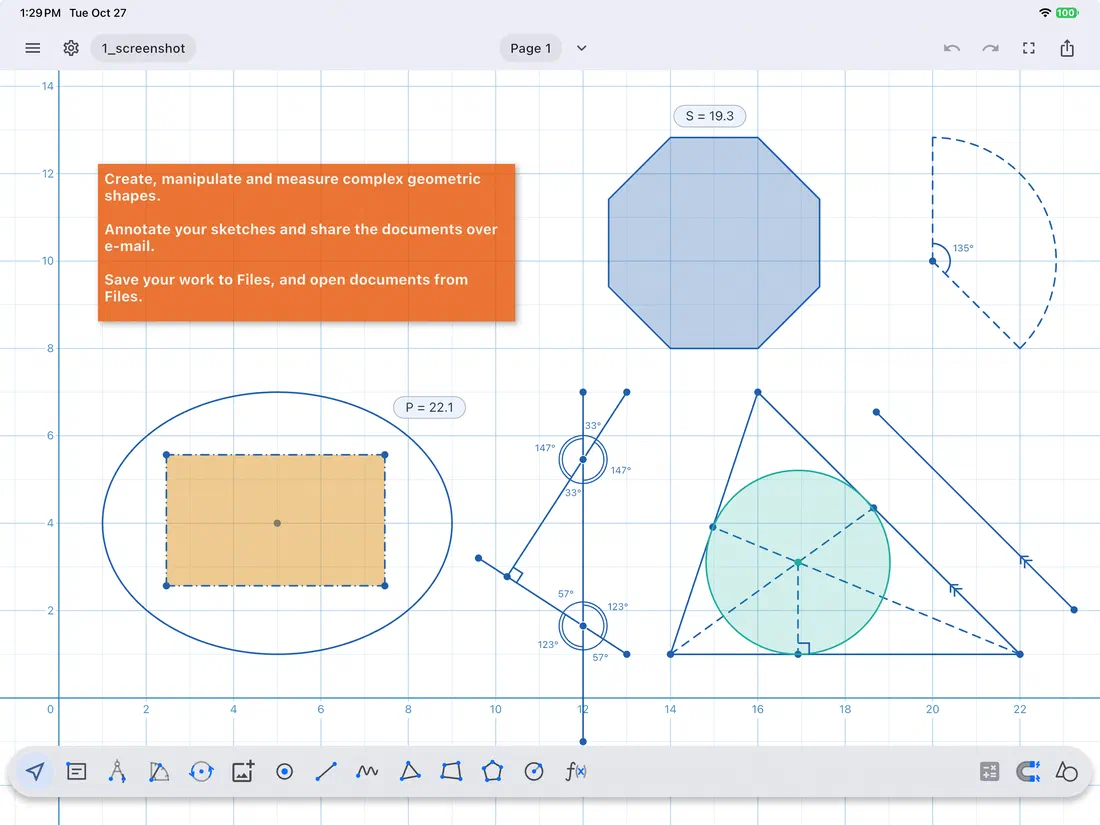
A canvas with an octagon, a sector, an ellipse around a rectangle, crossing lines with their angles, and a triangle with its incircleA canvas with an octagon, a sector, an ellipse around a rectangle, crossing lines with their angles, and a triangle with its incircle

Everything for plane geometry

CONSTRUCTIONS THAT STAY CONNECTED

  • Parallel and perpendicular lines, perpendicular bisectors, tangents, chords and intersection points follow their shapes as you drag them.
  • Altitudes, medians and angle bisectors of triangles and polygons update as the shape changes.
  • Right, isosceles and equilateral triangles, squares, rectangles, parallelograms, rhombi and regular polygons keep their kind when you edit them.
PRECISION BY TOUCH

  • Points snap to the grid, to vertices, midpoints, sides and curves, and to the crossings of shapes.
  • A magnifying glass shows exactly where each point lands.
  • Type exact coordinates, lengths, radii and angles with the built-in calculator.

LIVE MEASUREMENTS

  • Every shape shows its lengths, angles, slopes, equations, perimeter and area.
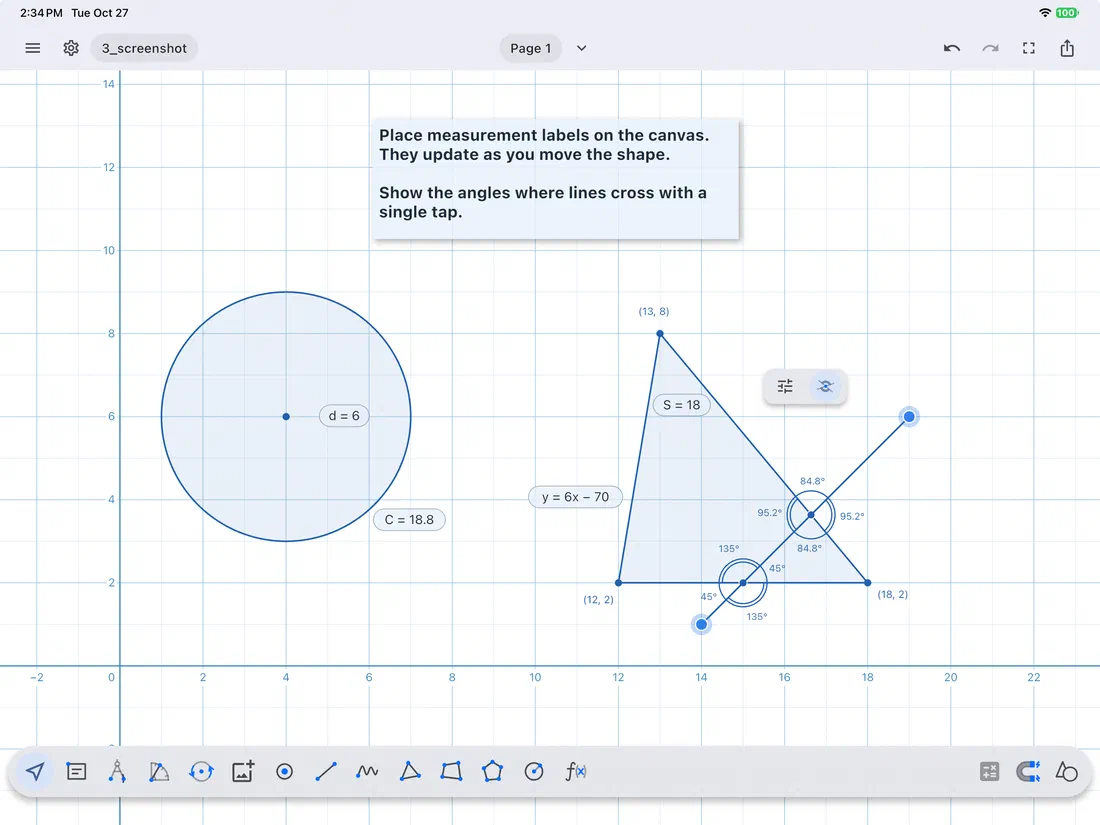
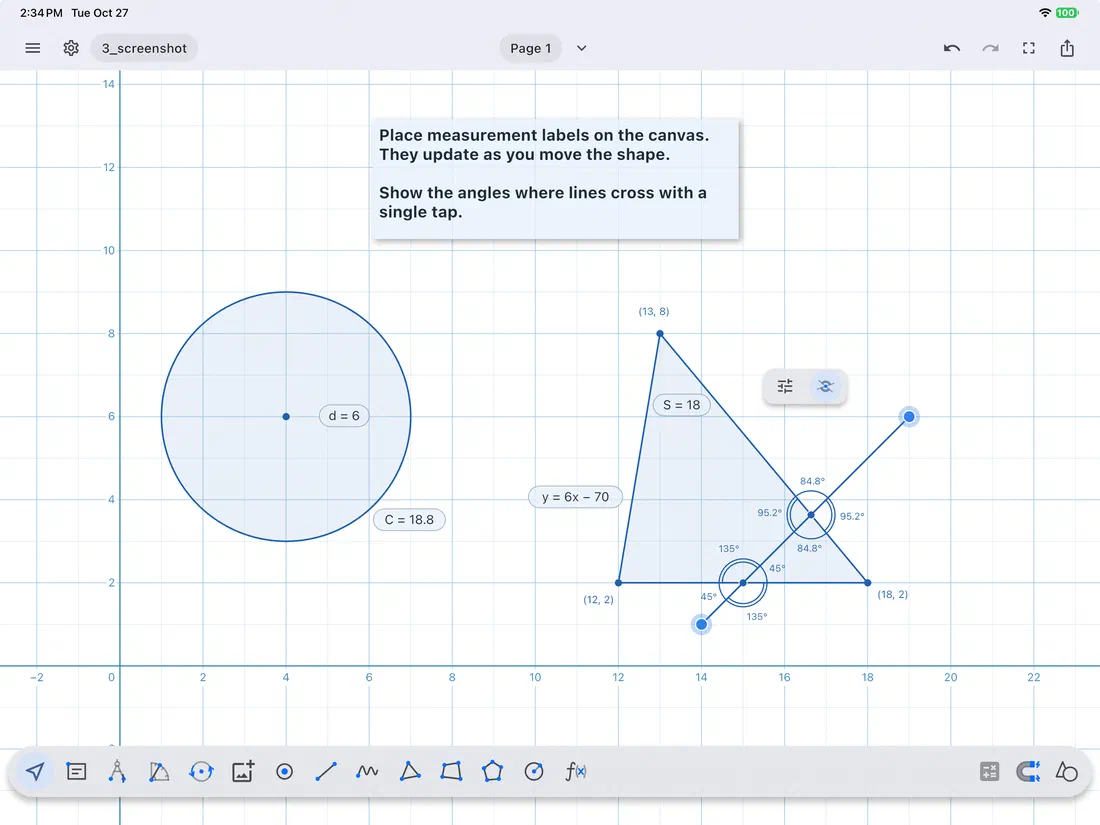
  • Place measurement labels on the canvas. They update as you move the shape.
  • Show the angles where lines cross with a single tap.

CLASSIC INSTRUMENTS AND TRANSFORMATIONS

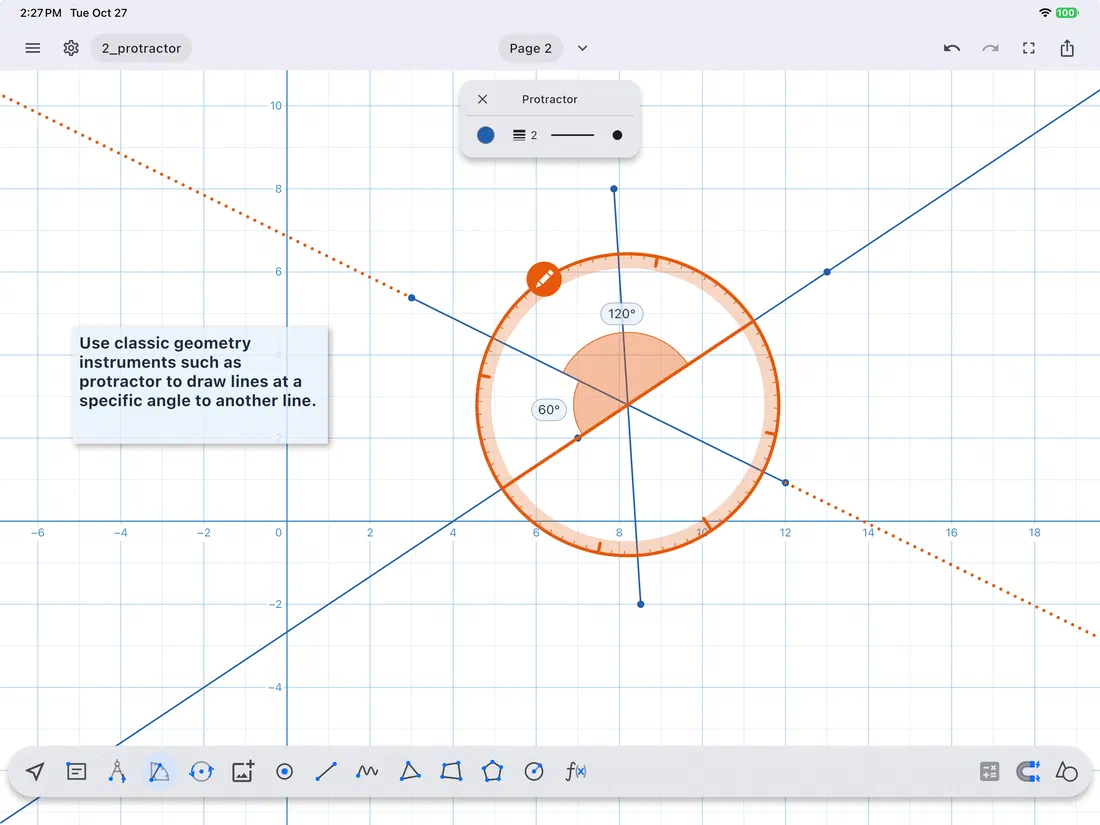
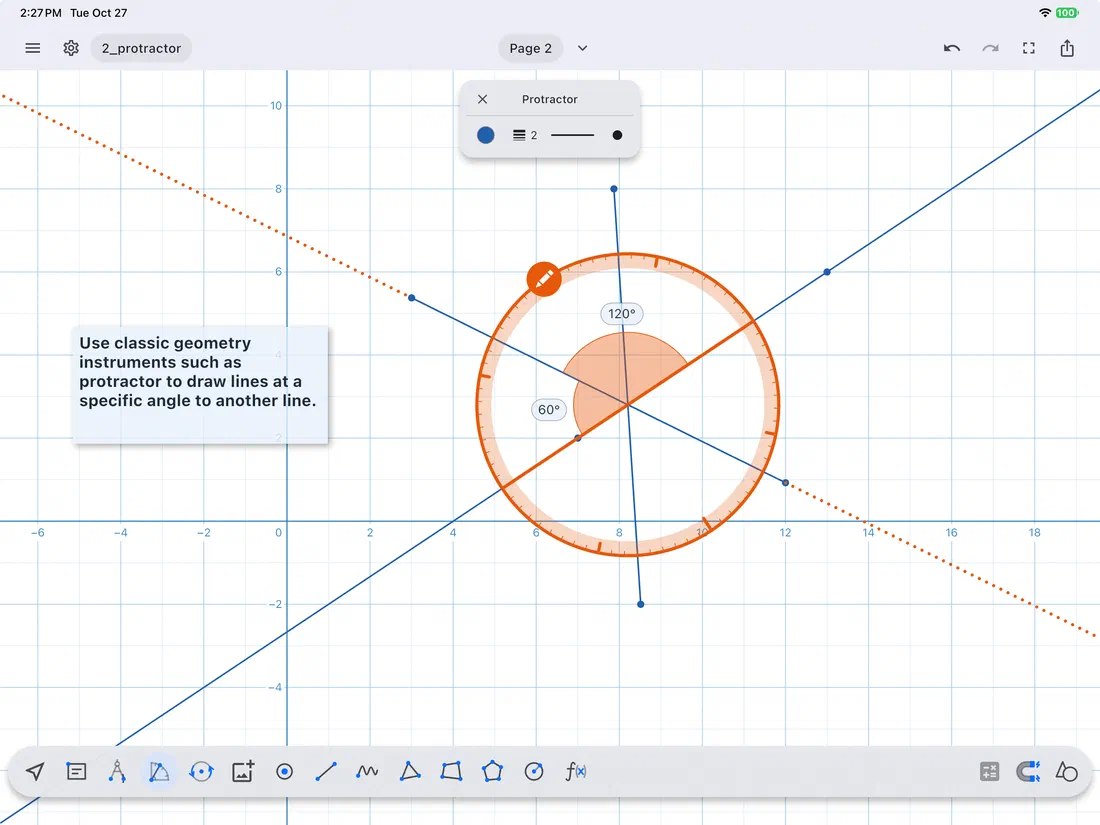
  • A compass that draws arcs, and a protractor that draws segments at an exact angle.
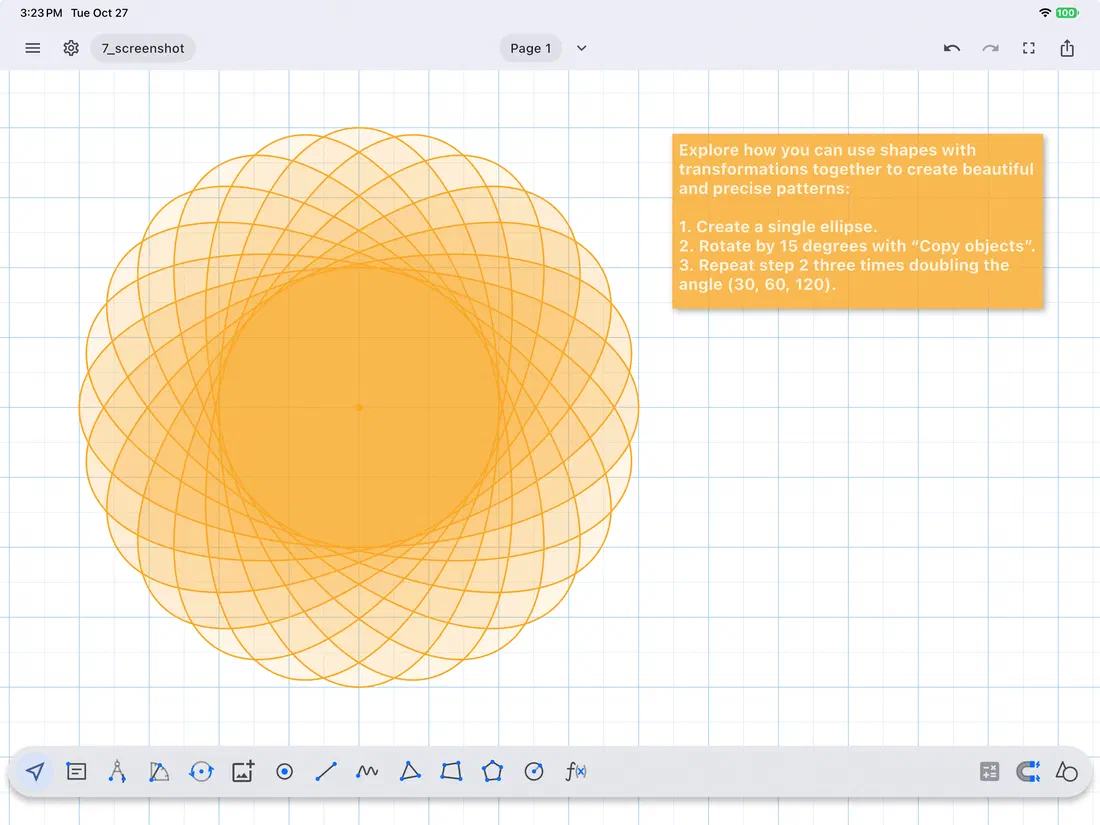
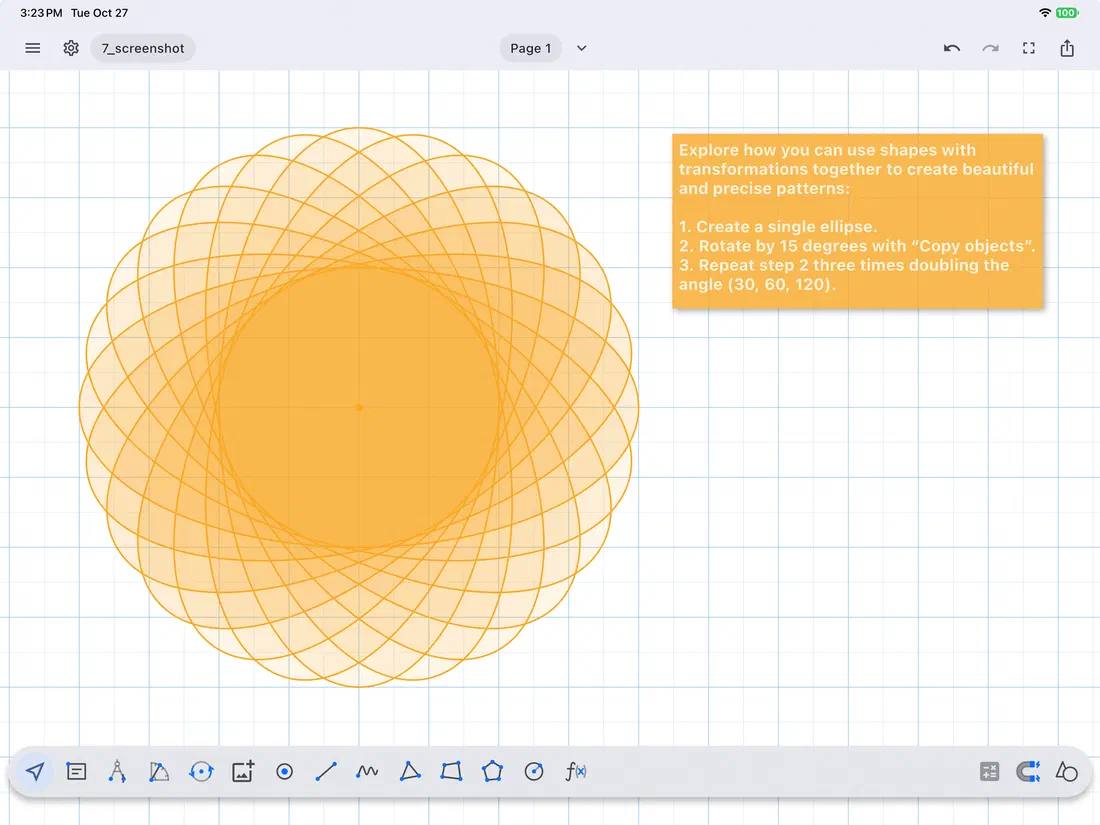
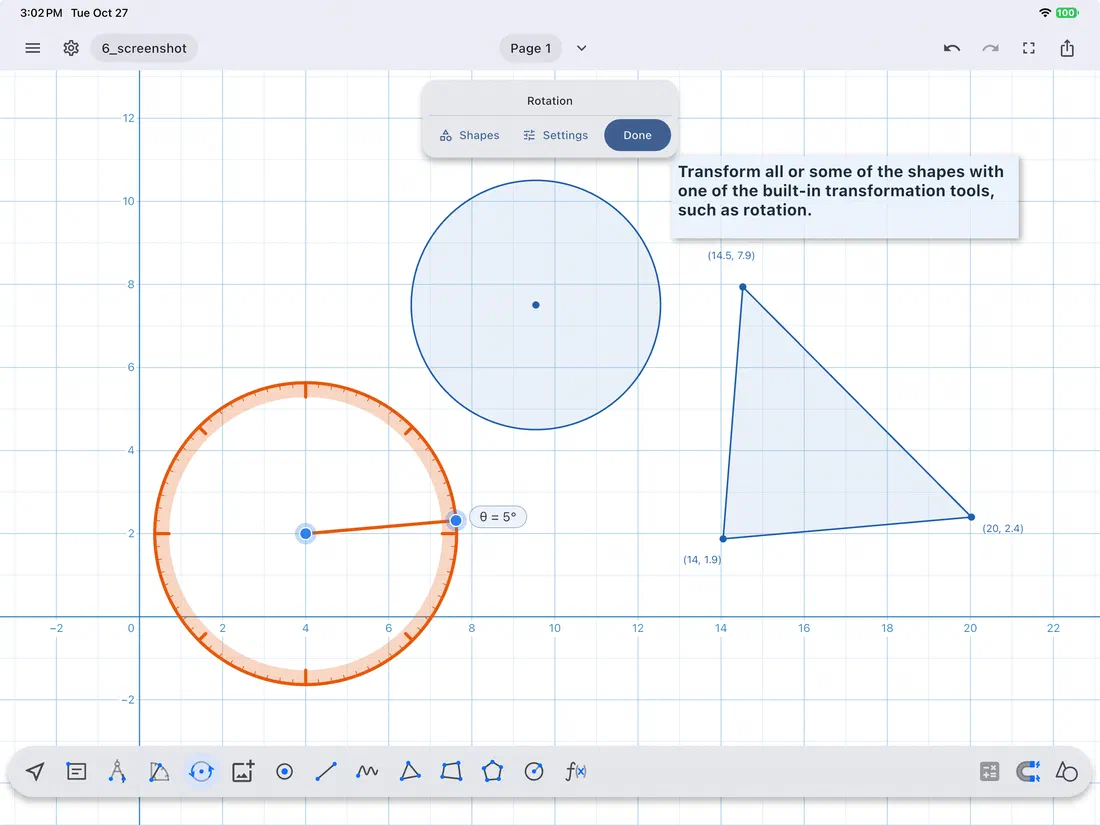
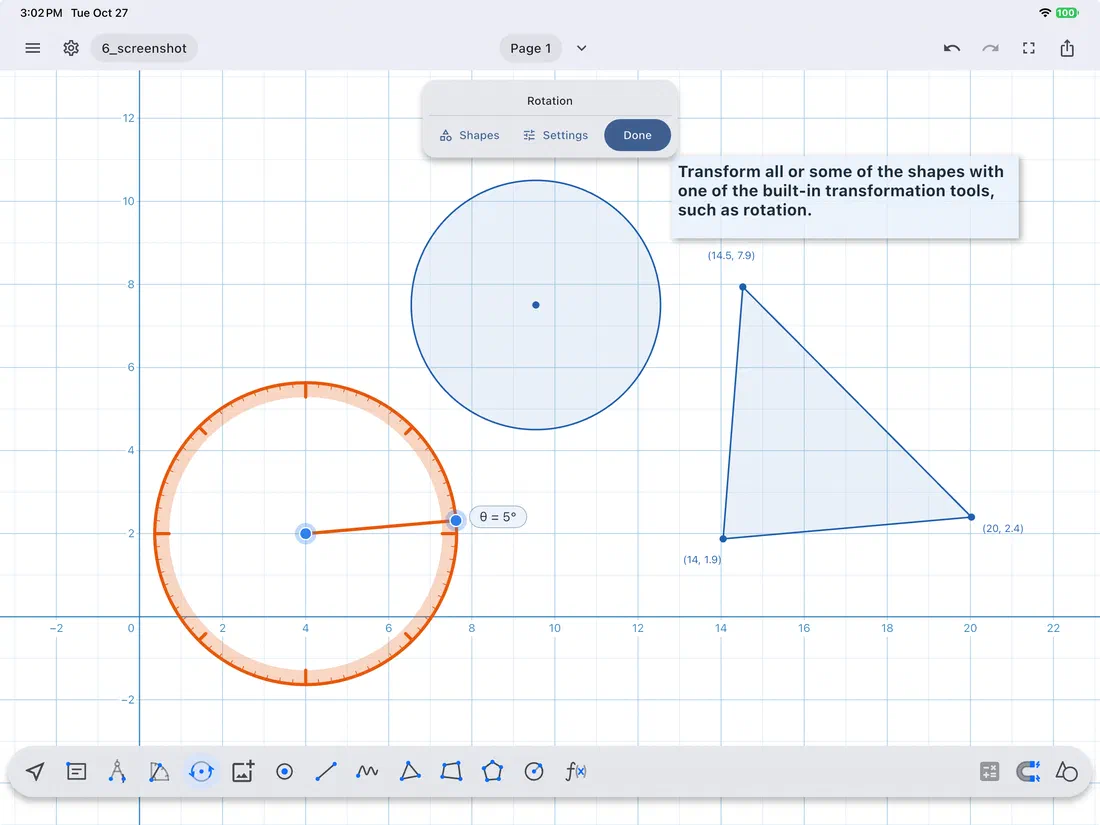
  • Rotate, reflect and translate shapes, or copies of them.

SHAPES FROM NUMBERS

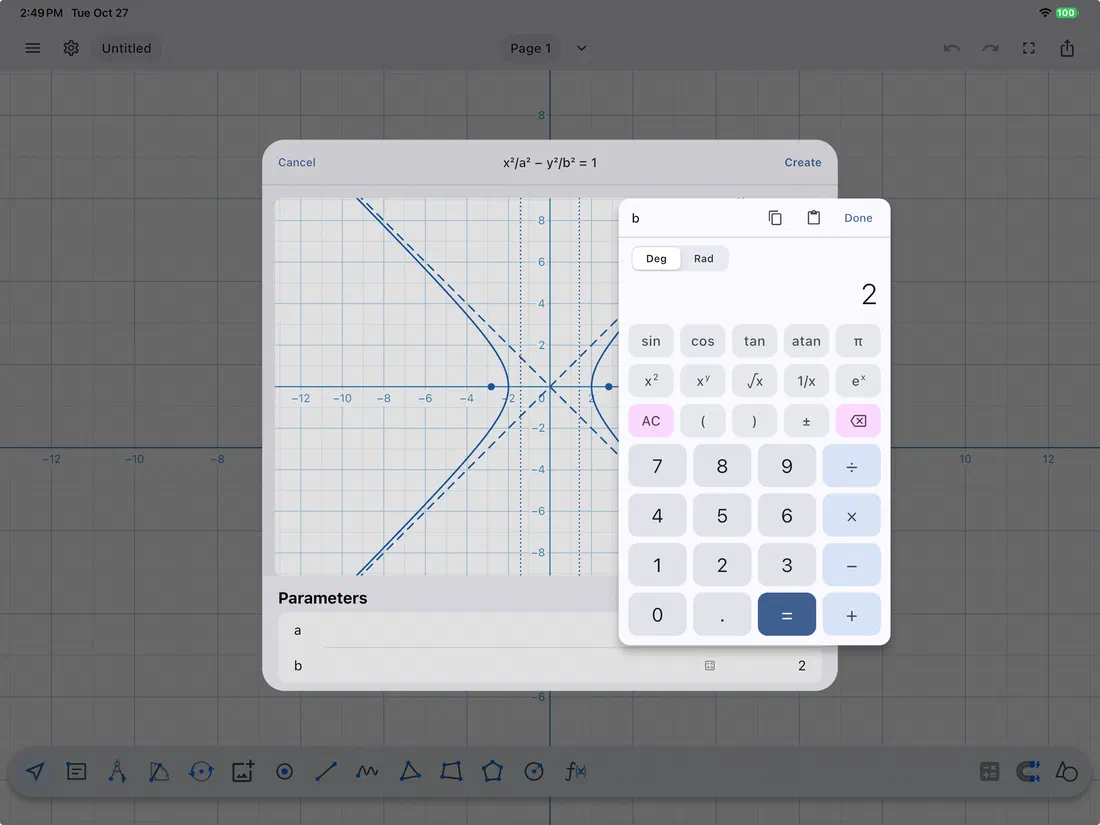
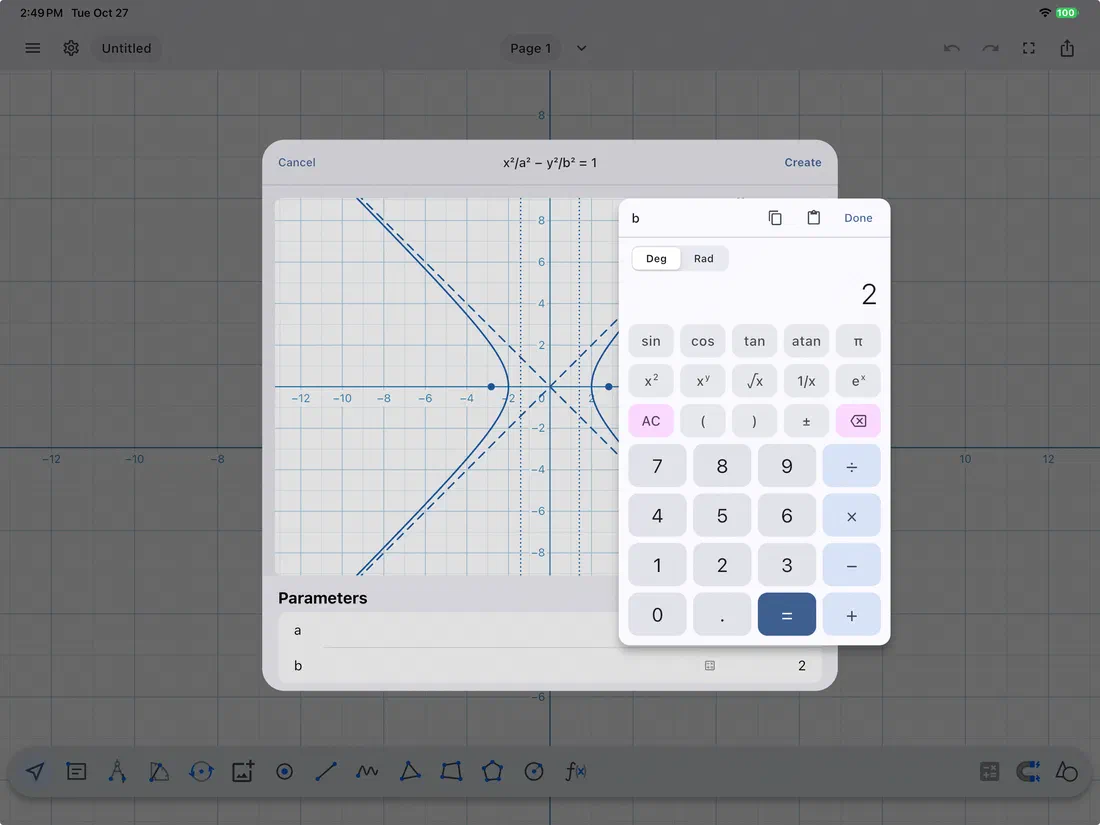
  • Build lines from their equations, triangles from their sides and angles, quadrangles from their sides and an angle, and parabolas and hyperbolas from their equations, with a live preview as you type.

WORKSHEETS AND DOCUMENTS

  • Import a PDF and draw and measure on top of its pages.
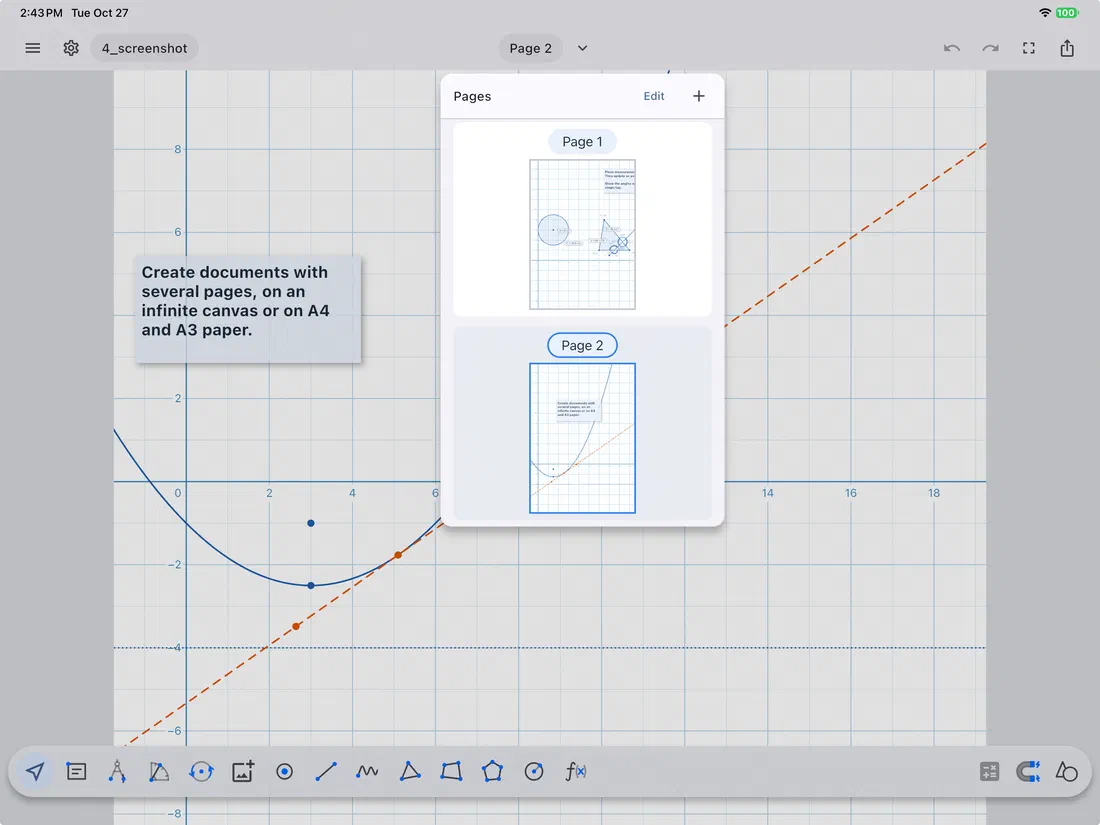
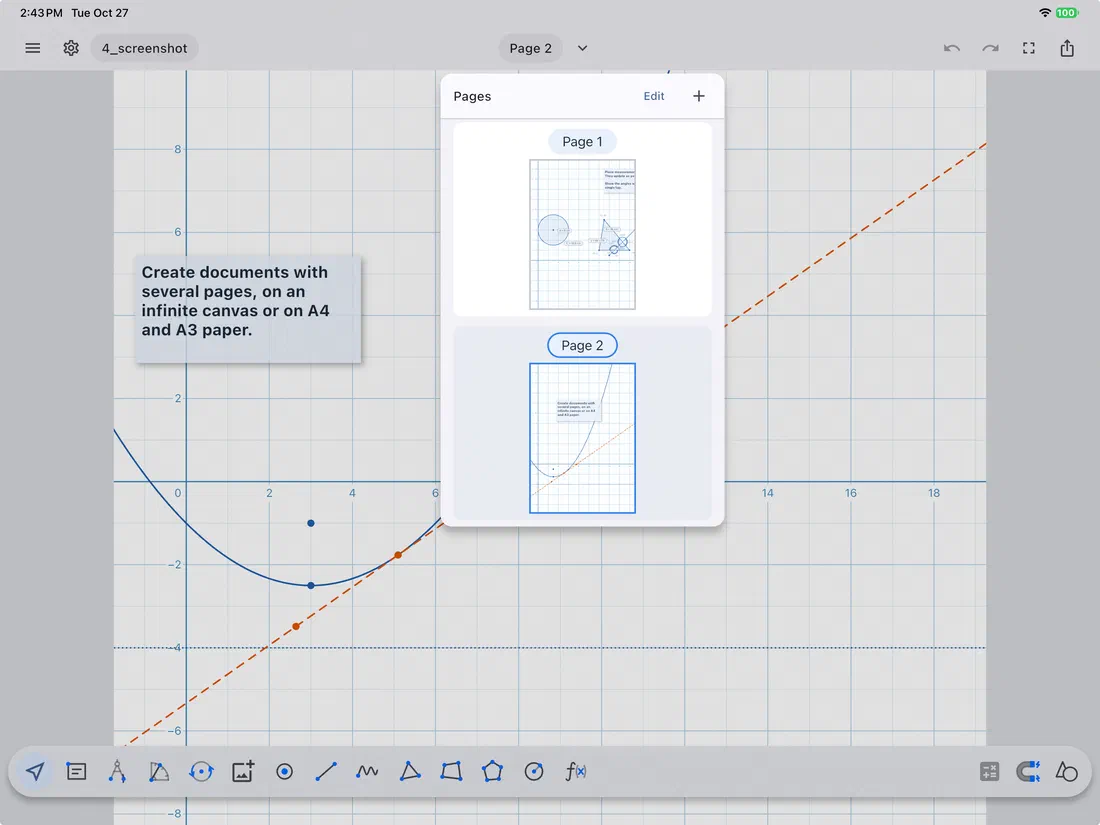
  • Create documents with several pages, on an infinite canvas or on A4 and A3 paper.
  • Add pictures from the camera or photo library, and notes in text boxes.
  • Export as an image (with cropping), PDF or SVG, or share the document itself.
  • Your work saves automatically to the Files app. Documents from the previous Geometry Pad open too.

MADE FOR THE CLASSROOM

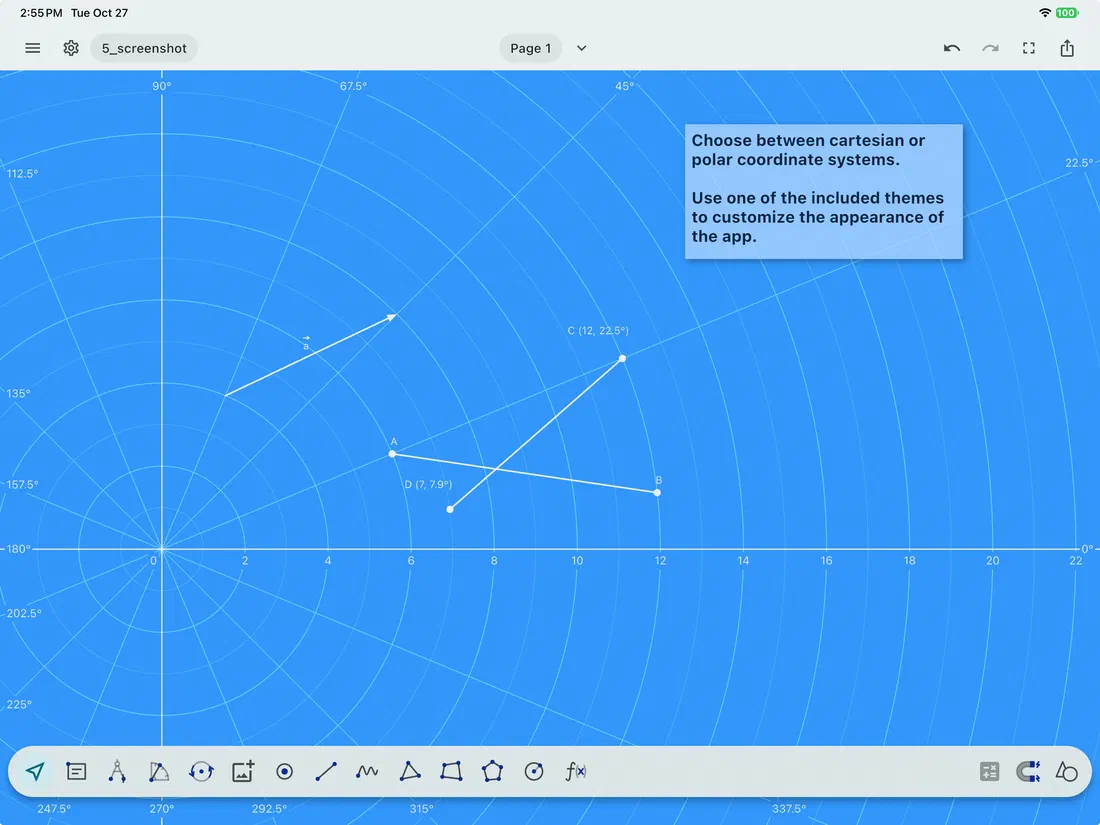
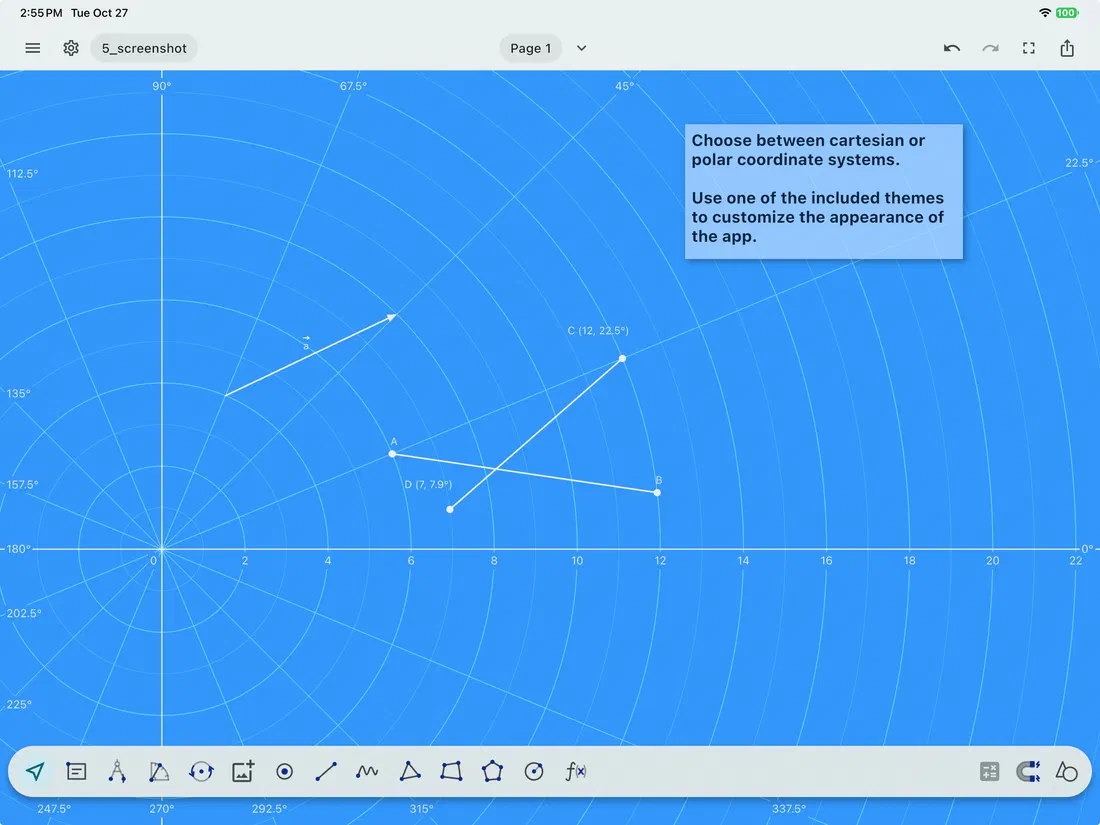
  • Cartesian, polar and isometric grids.
  • Real centimeters and inches on screen.
  • Seven themes, including chalkboard and blueprint, and full dark mode support.
  • Apple Pencil, keyboard shortcuts, multitasking and VoiceOver.

Shapes you can build

Points

  • Point
  • Intersection point
  • Angles at an intersection

Lines

  • Segment
  • Line
  • Ray
  • Vector
  • Polyline
  • Angle
  • Freehand drawing

Constructed lines

  • Parallel line
  • Perpendicular line
  • Perpendicular from a point
  • Perpendicular bisector
  • Tangent
  • Altitude
  • Median
  • Angle bisector

Triangles

  • Triangle
  • Right triangle
  • Isosceles triangle
  • Equilateral triangle

Quadrangles

  • Quadrangle
  • Square
  • Rectangle
  • Parallelogram
  • Rhombus

Polygons

  • Polygon
  • Regular polygon, 3 to 20 sides

Circles

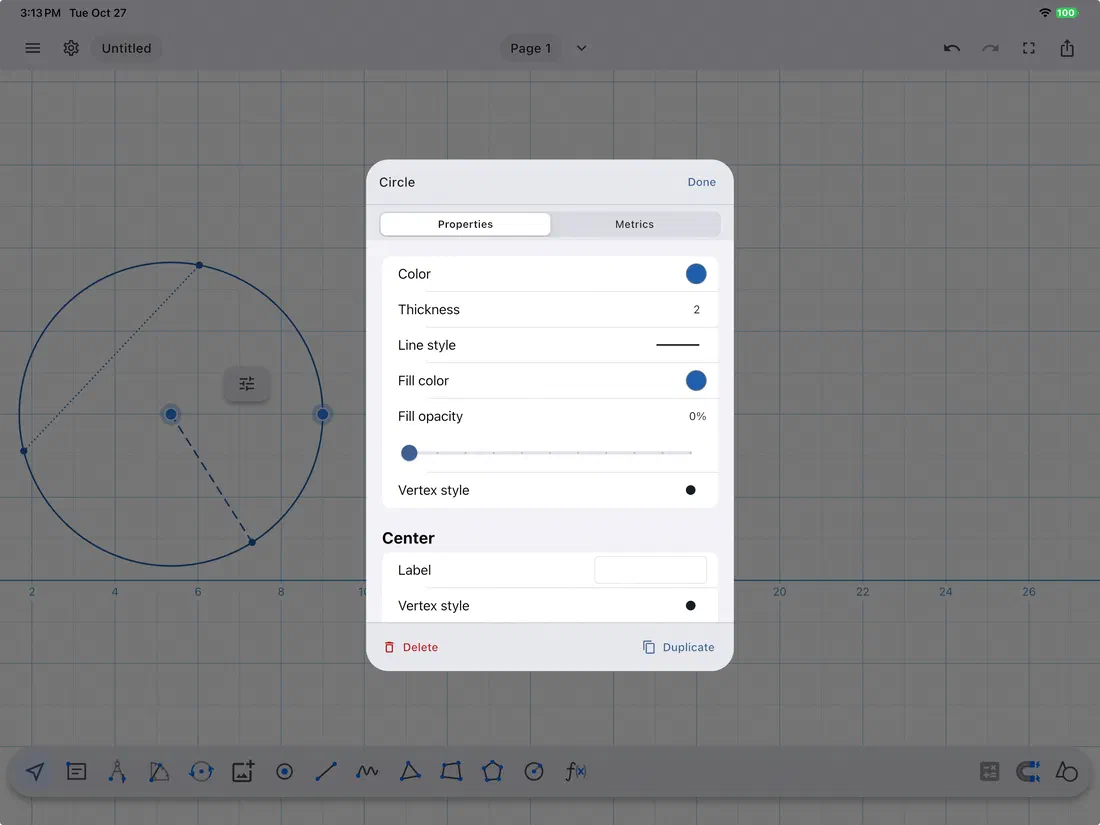
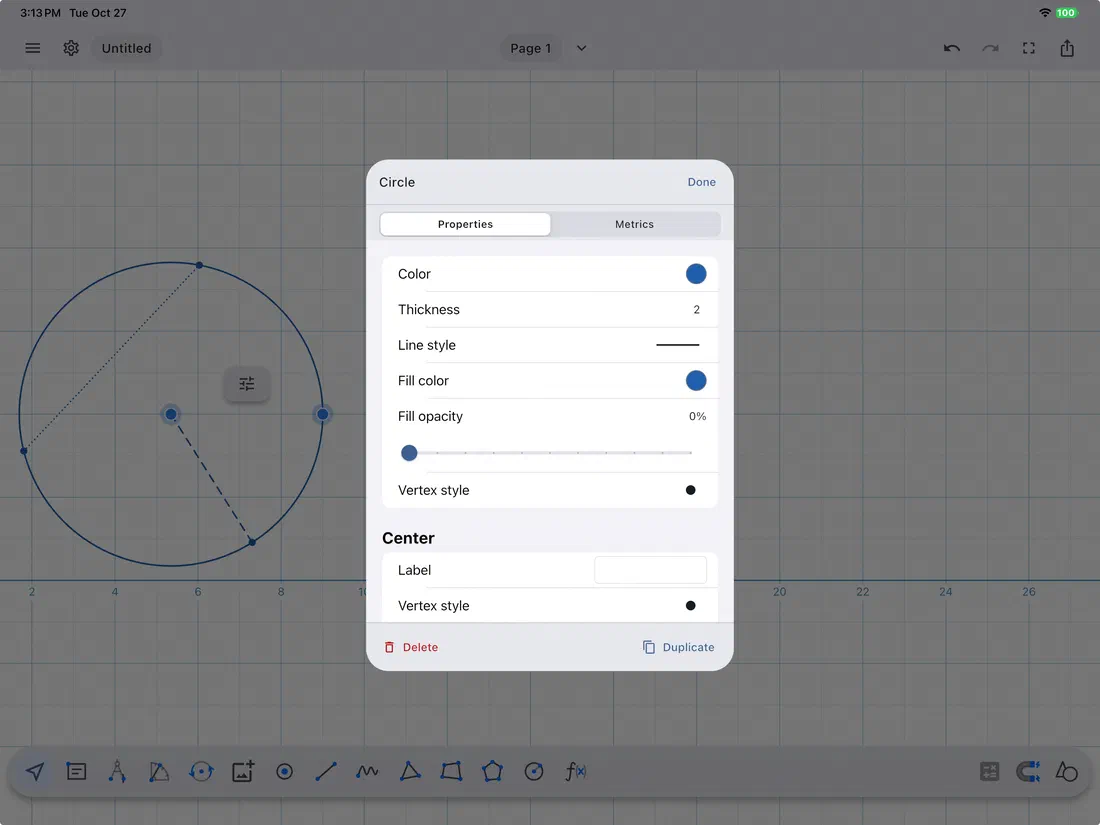
  • Circle
  • Circle through three points
  • Arc
  • Circular sector
  • Chord
  • Radius

Conic sections

  • Ellipse from its center and axis
  • Ellipse from two foci and a point
  • Ellipse from its center, axis and a point
  • Parabola from its equation
  • Hyperbola from its equation

See it in action

Two editions

Geometry Pad

Free, with optional Premium

Free to download, with every construction tool included. Unlock Premium with an in-app purchase for even more.

One in-app purchase unlocks editing exact values, transformations, shapes from numbers, picture and PDF import, and PDF and SVG export. Bought Premium in the previous Geometry Pad? It's recognized automatically, and Restore Purchase brings it to your other iPads.

Download on the App StoreGeometry Pad

Geometry Pad for your school

Are you looking for a more custom integration of Geometry Pad into your classroom experience? Reach out to start the conversation.

Get in touch